Free Music Visualizers Without a Watermark: What You Actually Get
The truth about free music visualizer tools: where the watermarks, resolution caps and length limits hide, and what free really gets you in 2026.
Search for a free music visualizer and every result promises the same thing. Then you render, and the export has a logo in the corner, or caps at 720p, or cuts your track at 30 seconds. Here is how the free tiers actually work, so you do not waste an evening finding out.
The four places free gets limited
- Watermarks: the most common catch, your video ships with the tool's branding on it
- Resolution caps: free exports at 720p or 1080p while the crisp tiers sit behind the paywall
- Length limits: 30 or 60 second maximums that rule out full tracks
- Export counts: one or two renders, then a subscription wall mid-project
None of these are scams, rendering costs real server money. But a watermarked 720p clip is a preview, not something you post on a channel you are trying to grow.
A different approach: skip the free tier
LimePulse does not have a free tier, so none of those four catches apply. There is one plan, and it includes everything: the full studio, every template, all the customization, and unlimited exports that are full-length, 4K 60fps and never watermarked.
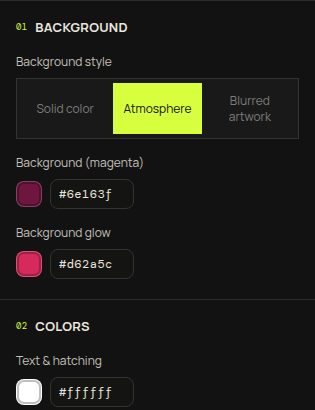
You build the whole video watching it react to your track, and the preview is exactly the file you get: no logo stamped on at export, and no sharper version held back for a pricier tier. One flat subscription covers every render.
Questions to ask any free tool
- Is there a watermark on the export, anywhere?
- What resolution is the free render really at?
- Can it do my whole track or just a clip?
- Does the preview actually match the final render?
If a tool answers those four clearly, it respects your time. Open the LimePulse studio and hold it to the same four questions.