Live Music Visuals From a Browser: Plug In a Mic, Point a Projector
Stage, the live visuals studio, turns any laptop into live music visuals: mic or line-in audio, designed scenes that react in real time, fullscreen output, nothing to install or render.
Everything else on this blog ends with a render. This one does not. Stage, the live visuals studio, is LimePulse in real time: the same designed scenes, reacting to sound as it happens, fullscreen on whatever screen you point at the room. A laptop, a browser tab and an HDMI cable are the entire rig.
How it works
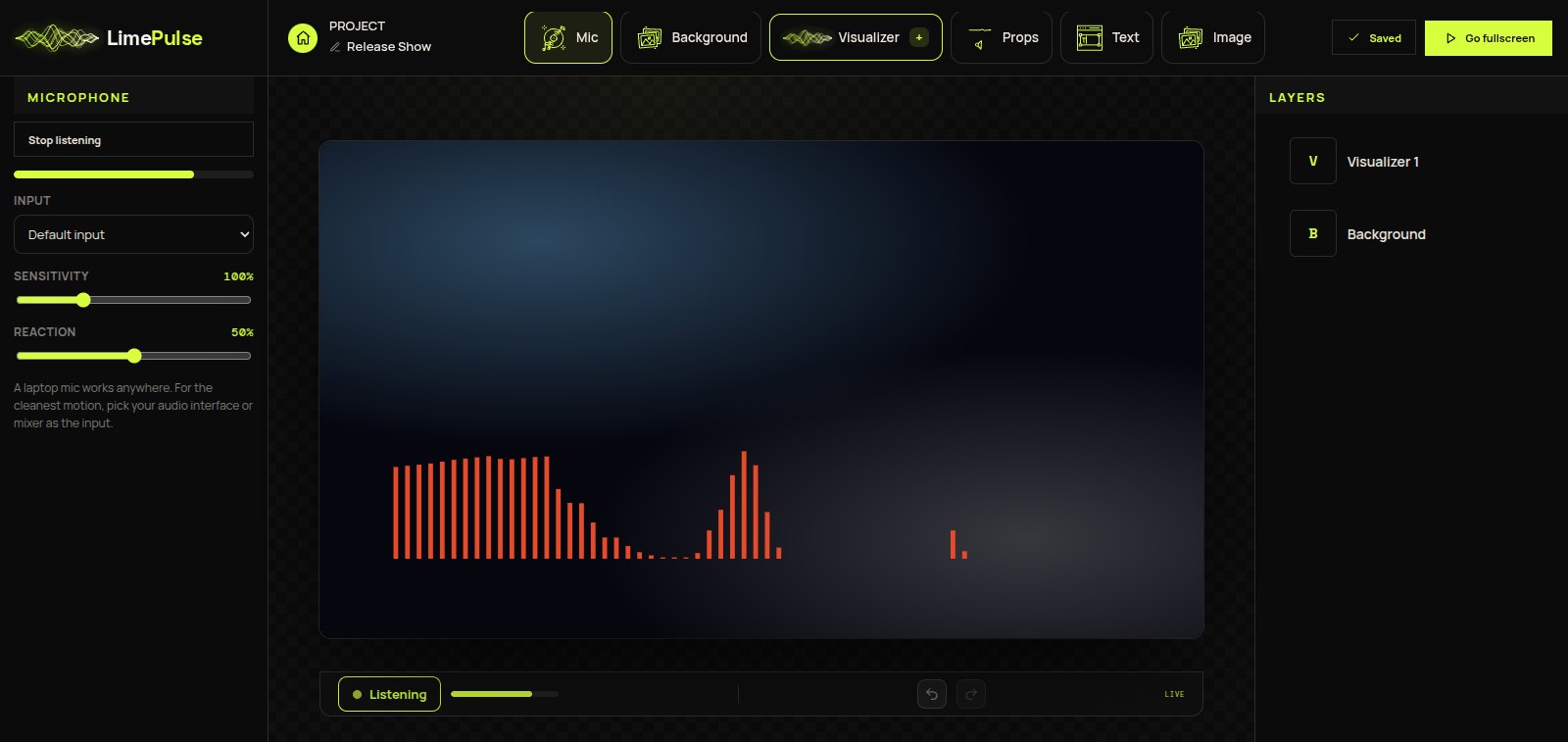
You build a scene exactly like a project in Compose, the visualizer builder: visualizers, props, your artwork, text. Then instead of a render button there is a microphone. The audio comes in live, through the laptop mic or any input on the machine, the analysis runs in real time, and every element on stage moves with the music in the room. Hit Go fullscreen and the interface disappears; the scene is the screen until you press Escape.
Made for music, not for meetings
Browsers process microphones for speech by default, and that processing (auto gain especially) flattens exactly the dynamics visuals feed on. Stage turns all of it off and listens to the raw signal. There is a sensitivity control for quiet rooms and loud PAs, an input picker for choosing your audio interface or mixer instead of the built-in mic, and a reaction control that makes the visuals snap harder, which keeps them feeling on-beat on a big screen.
Why a browser beats VJ software here
- Nothing to install: any machine with a browser is a visuals rig, including the venue machine.
- Designed, not generated: these are the same artwork-first scenes as your release videos, not a shader soup.
- Your branding: the artist name, cover art and palette on the wall are yours, which is the whole point of being on the wall.
- No render bill: live means nothing is ever exported, so there is nothing to wait for and nothing to pay per show.
For the on-stage playbook, screens, mics and small rooms included, read stage visuals for small venues and release shows.