How Long Should a Spotify Canvas Be? Length, Duration and the Loop
Spotify Canvas length explained: the 3 to 8 second rule, why shorter usually loops better, what happens above the max length, and how duration affects file size.
A Spotify Canvas has to be between 3 and 8 seconds long. That is the whole rule, and Spotify enforces it at upload: a clip under 3 seconds or over the 8 second max length gets rejected by Spotify for Artists. So the real question is not how long a Canvas can be, it is how long yours should be, because inside that window the duration you pick changes how the loop feels.
The short answer: 5 to 8 seconds for motion, 3 to 4 for a pulse
A Canvas plays on repeat for the entire listen, so a viewer sees your loop dozens of times. Longer durations (6, 7, 8 seconds) give a camera move or a text reveal room to breathe before it repeats. Very short durations (3 or 4 seconds) work when the motion is a simple heartbeat: a slow zoom, a flicker, a breathing cover. If you are unsure, 7 seconds is the sweet spot most artists land on.
Why the seam matters more than the length
Whatever duration you choose, the last frame has to flow back into the first or the loop visibly stutters every few seconds, and that stutter is all anyone sees. This is the part most editors get wrong by hand. Canvas, the LimePulse loop builder for Spotify Canvas, sidesteps it completely: every motion card is built as a function of the loop, so frame one and the final frame always match, at any length you set.
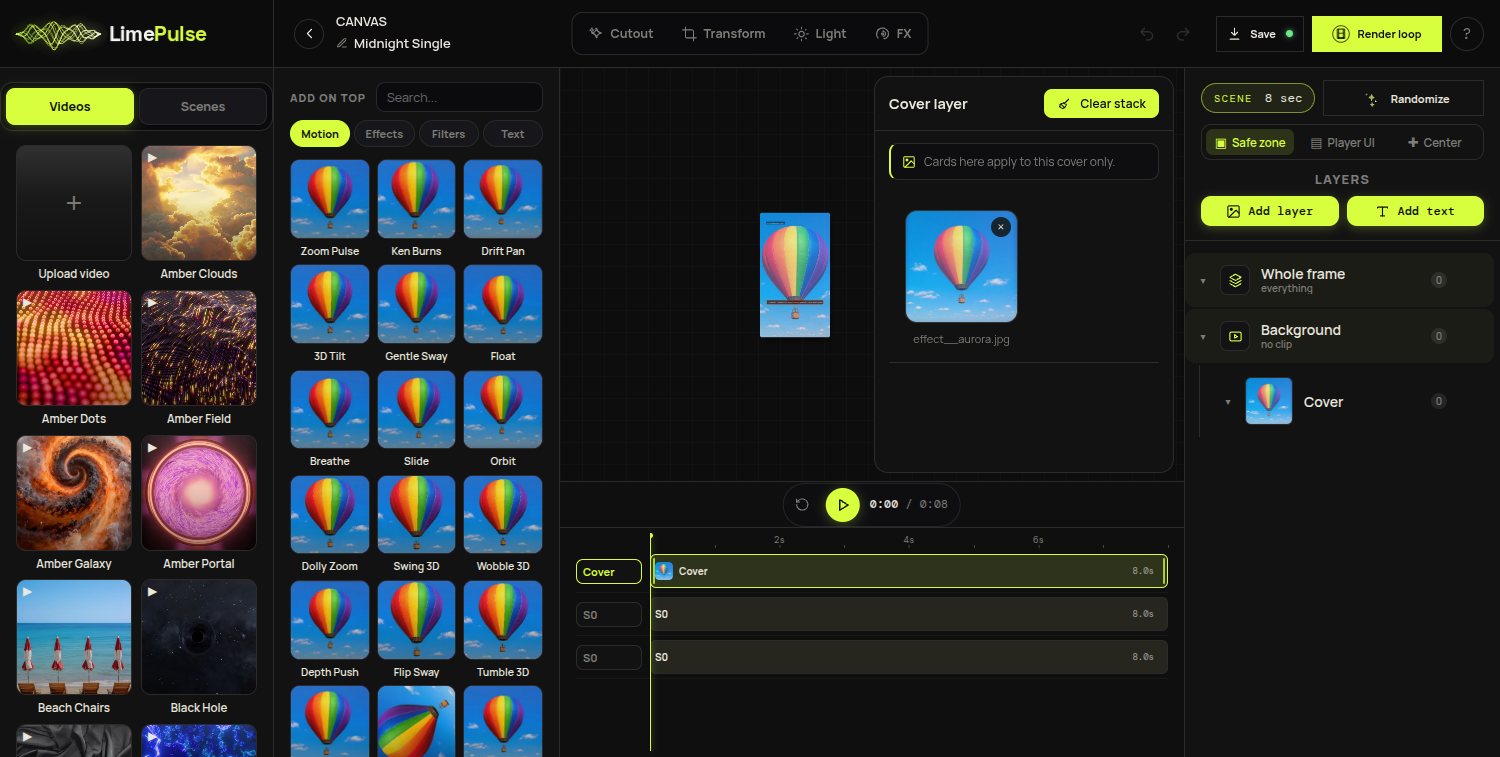
Canvas duration and file size
Spotify accepts videos up to 720x1280 and the file size stays tiny at these lengths, well under the limits, so duration is a creative decision rather than a technical one. The full pixel numbers, aspect ratio and format requirements live in our Spotify Canvas size and specs cheat sheet if you want everything on one page.
Quick answers
- How long is a Spotify Canvas? Between 3 and 8 seconds, looping forever.
- How long should a Spotify Canvas be? 5 to 8 seconds for a camera move or text, 3 to 4 for a simple pulse.
- What is the Spotify Canvas max length? 8 seconds. Anything longer is rejected at upload.
- Can a Canvas have sound? No. The Canvas is silent; your track is the audio.
- Does the length affect quality? No, but the seam does. A clean loop at any length beats a fancy one that jumps.
When you are ready to build one, the step-by-step Canvas guide walks the whole flow from cover art to upload, and the loop length is a single slider in Canvas.