How to Make a Lyric Video: Tap Your Words in Time
A lyric video maker that works by feel: paste your lyrics, tap each line as the song plays, pick one of four designed styles, and render the synced video in 4K.
The painful part of every lyric video is not the design, it is the timing: getting each line to land exactly when it is sung. Most lyric video makers hand you a timeline and a hundred tiny drag operations. LimePulse does it the way musicians actually think: you tap.
Tap-to-sync in one pass
Inside Compose, the visualizer builder, the Lyrics card opens a fullscreen sync studio. Paste your lyrics (or import an SRT file if you already have one), press play, and hit the spacebar on every line as it arrives. A waveform strip shows your taps against the audio so you can nudge anything that landed early, and a quick calibration game measures your personal reaction time and corrects for it automatically. One pass through the song and the timing is done.
Four styles, one door
The words render in one of four designed looks, from engraved serif slices to liquid glyph morphing where each line melts into the next. They are built as motion systems, not fonts on a slide, and they render natively in the same engine as everything else, so the export matches the preview to the frame.
It is a layer, not a lock-in
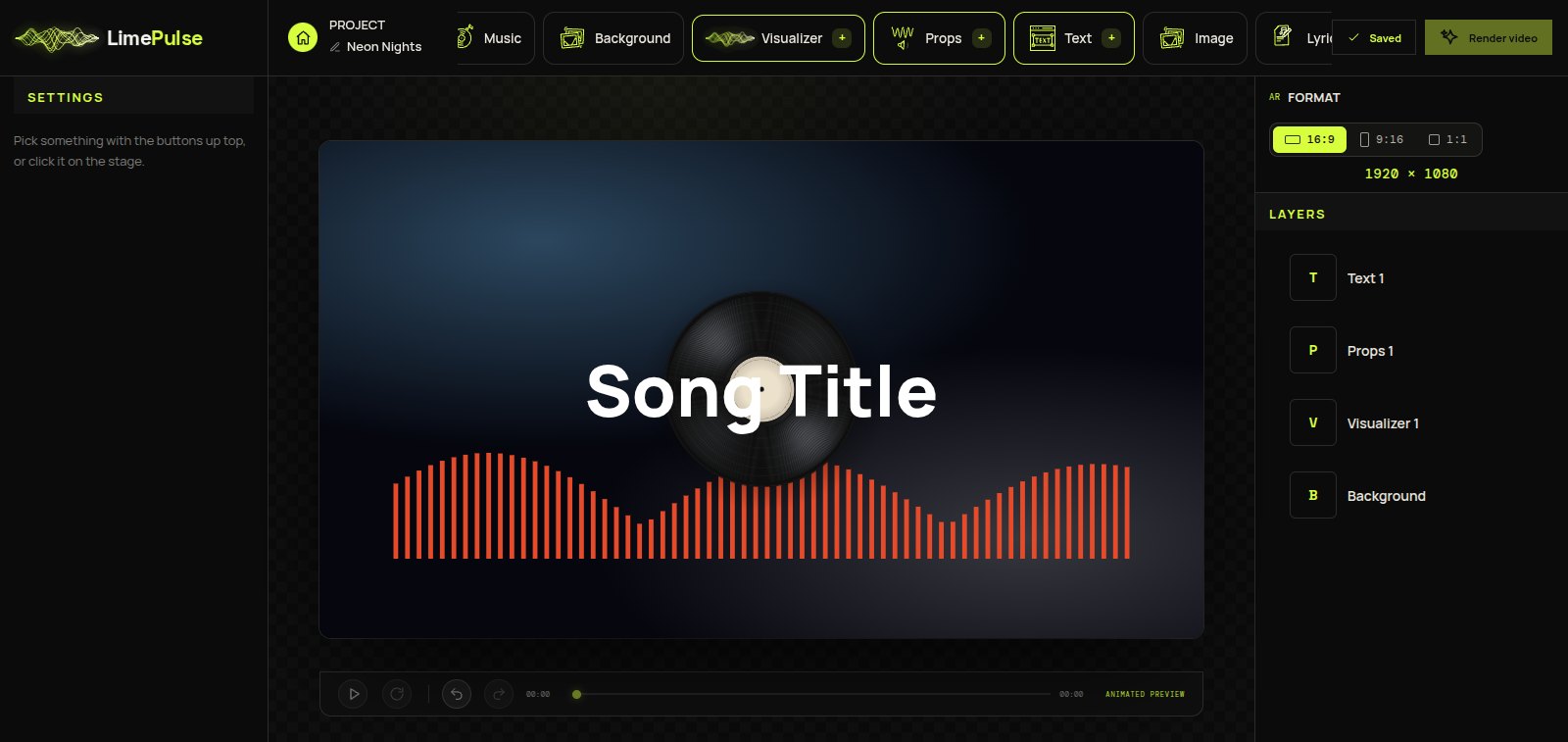
The lyrics are one layer on the Compose stage, which is the quiet superpower: put them over a blurred video background, pair them with a spectrum or a spinning vinyl, size and place them like anything else. Your lyric video can be a full music video, not white text on black.
The short version
- Start a Compose project and add your track
- Open Lyrics, paste your words, tap each line in time
- Pick one of the four lyric styles and Apply
- Arrange the rest of the stage, then render in 4K
Timing by tapping takes one listen of the song. That is the entire trick, and once you have done it you will not go back to dragging clips on a timeline.