Spinning Vinyl Music Visualizer: Make a Record Spin to Your Song
How to make a spinning vinyl music visualizer from your cover art: ready vinyl record templates, a drag-and-drop vinyl prop, real rotation physics and 4K export.
There is a reason the spinning vinyl visualizer never goes out of style: it tells the viewer this is music before a single bar plays. Your cover art pressed into the label of a turning record, a spectrum breathing underneath, and the whole thing reads like a listening session instead of a static image. Here is how to make one in the browser, no After Effects, no plugins.
The fast way: a vinyl record template
LimePulse ships several vinyl looks as ready templates. Spinning Vinyl is the classic three-quarter record with your artwork as the label, Vinyl frames the record in a sleeve, and Studio puts the deck in a room with real depth. Drop in your track and cover, and the record turns with genuinely hyper-real grooves, light and shadow rather than a flat circle rotating.
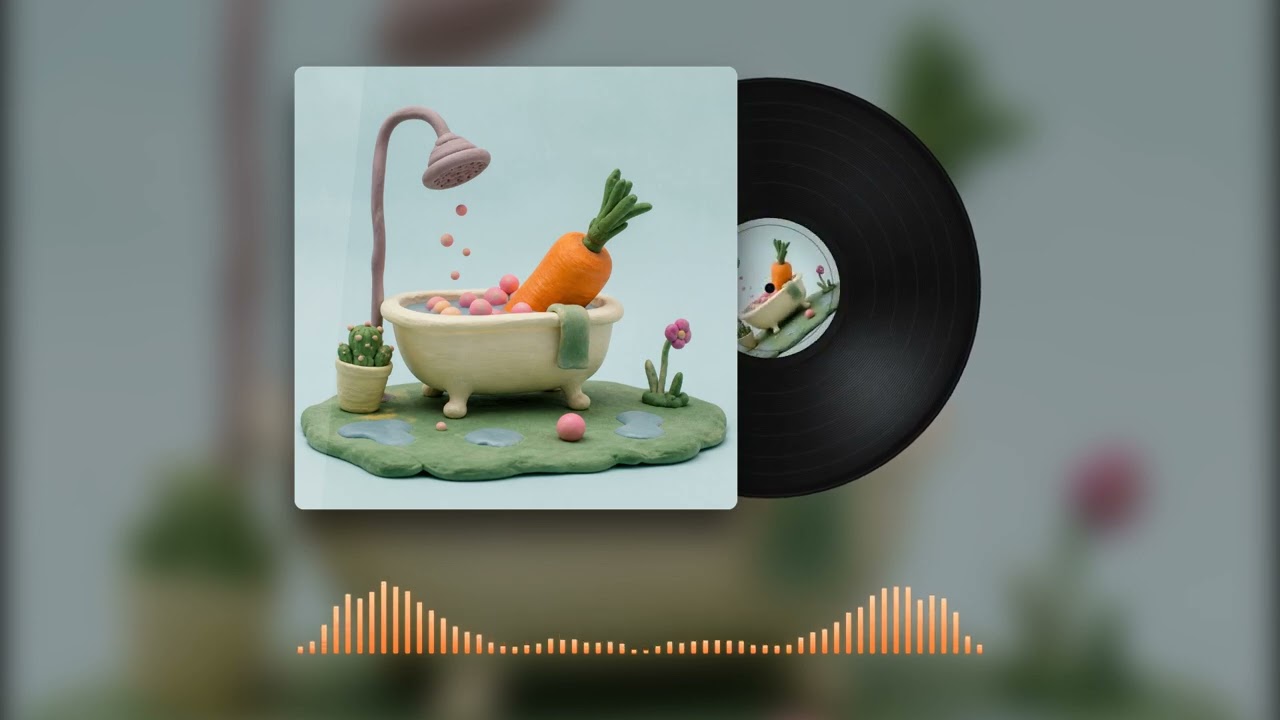
Every template renders in 4K 60fps for YouTube, and vertical formats for Shorts and Reels are one click, so a single project covers every platform.
The custom way: a vinyl prop you place yourself
If a fixed layout feels tight, Compose, the visualizer builder, treats the record as a prop. You drag a spinning vinyl onto an empty stage, size it, tilt it, set the spin speed and shadow depth, then stack whatever you want around it: a spectrum, your title, a second image, a glass panel. It is closer to a spinning vinyl generator than a template, because the layout is yours.
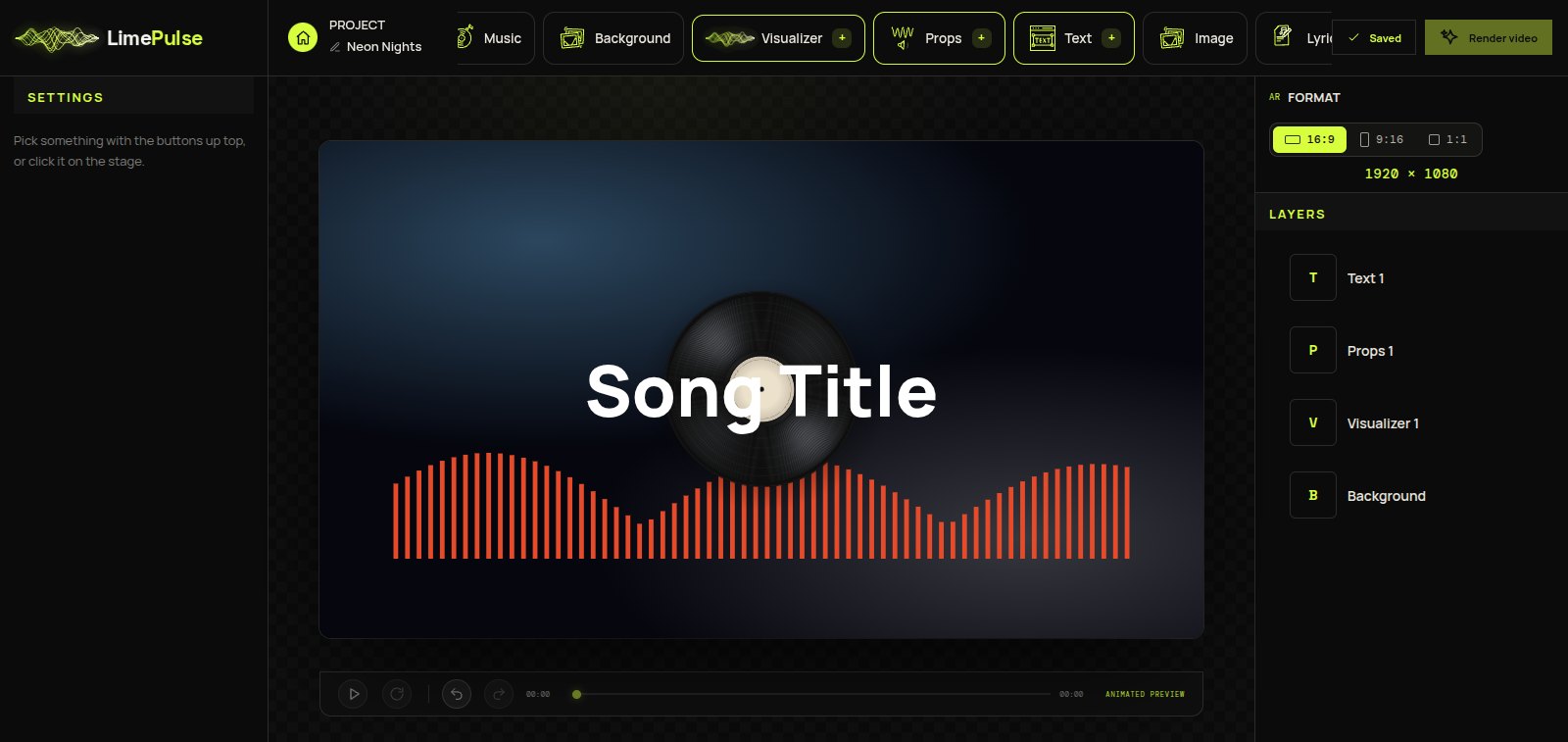
Three details that sell the spin
- Speed: a real 33 RPM feel sits around a slow, steady turn. Faster reads as cartoonish, slower reads as broken.
- Light: the groove highlight should move over the record while it turns. Flat rotations are what make cheap vinyl visualizers look cheap.
- The label: your cover art belongs on the record, not floating next to it. That one change makes the whole frame feel pressed, not pasted.
Preview any vinyl music visualizer free with your own track, and if you also want the analog family around it, the cassette and VU meter props share the same stage.