How to Make Apple Music Motion Art (Step by Step)
Build the moving cover Apple Music shows on artist pages: Apple's exact square and tall frames, real safe zones, seamless loops, and a one-click convert from your Spotify Canvas.
Apple Music does not just show a static cover any more. Artist pages and featured placements play motion art: a silent, seamless loop built from the album artwork. Big releases treat it as standard now, and it is one of the fastest ways for an independent release to look like a major one.
Here is the whole build in Motion, the Apple Music motion art studio, which is the same loop builder as Canvas, our Spotify Canvas studio, running at Apple's exact frame sizes. If you already made a Spotify Canvas, skip to the last section: yours converts in one click.
Step 1: Start an Apple project
Open a new Motion project and add your cover to the artwork layer. Everything is a layer on a timeline: cover, backdrop clip behind it, stickers and text above it.
Step 2: Respect the frames and the safe zones
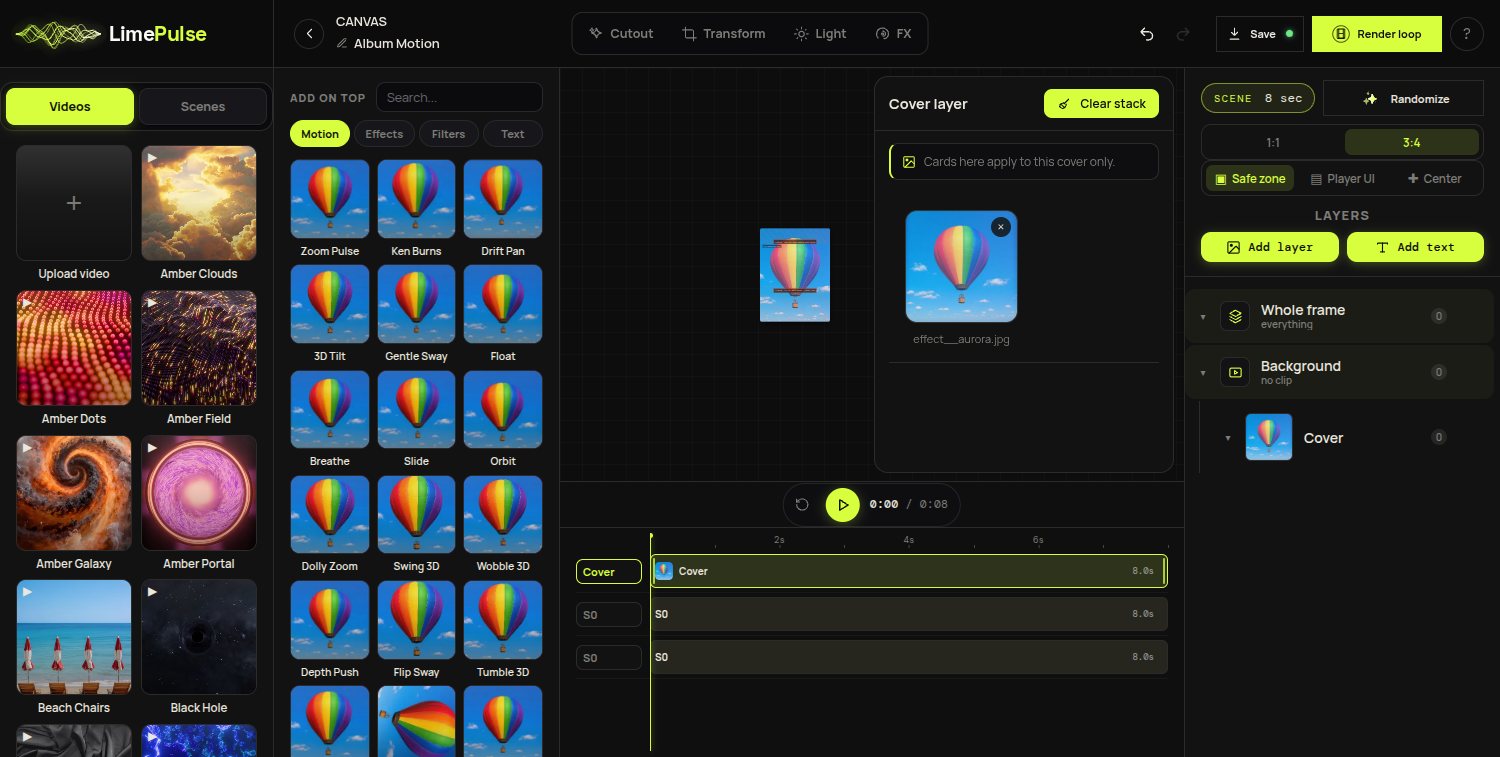
Apple uses two placements: a square frame and a tall 3:4 frame. In the tall frame, Apple's own player UI covers the top and bottom of the picture, so faces and type belong in the middle band. The studio draws those zones on the stage, measured from Apple's partner toolkit, and the 1:1 and 3:4 toggle switches frames without starting the design over. Full numbers are in the motion art spec guide.
Step 3: Build the motion
The full effects lab is available here: ninety-plus motion, effect, filter and shader cards plus 140 text animations. Apple loops reward restraint even more than Canvas does, since motion art often plays behind text on the artist page. A slow 3D Depth parallax or a single breathing zoom is usually the strongest choice.
Clips and GIFs center-crop into Apple's frames instead of stretching, so nothing ever looks squeezed, and every motion is loop-pure: the last frame lands exactly on the first.
Step 4: Export at Apple's resolution
Render exports at delivery resolution for the frame you built: 2048x2732 for the tall placement, 2160x2160 for the square one. Delivery to Apple goes through your label or distributor's motion artwork program, so check yours supports it; the file you export is the file they need.
Already made a Spotify Canvas? Convert it
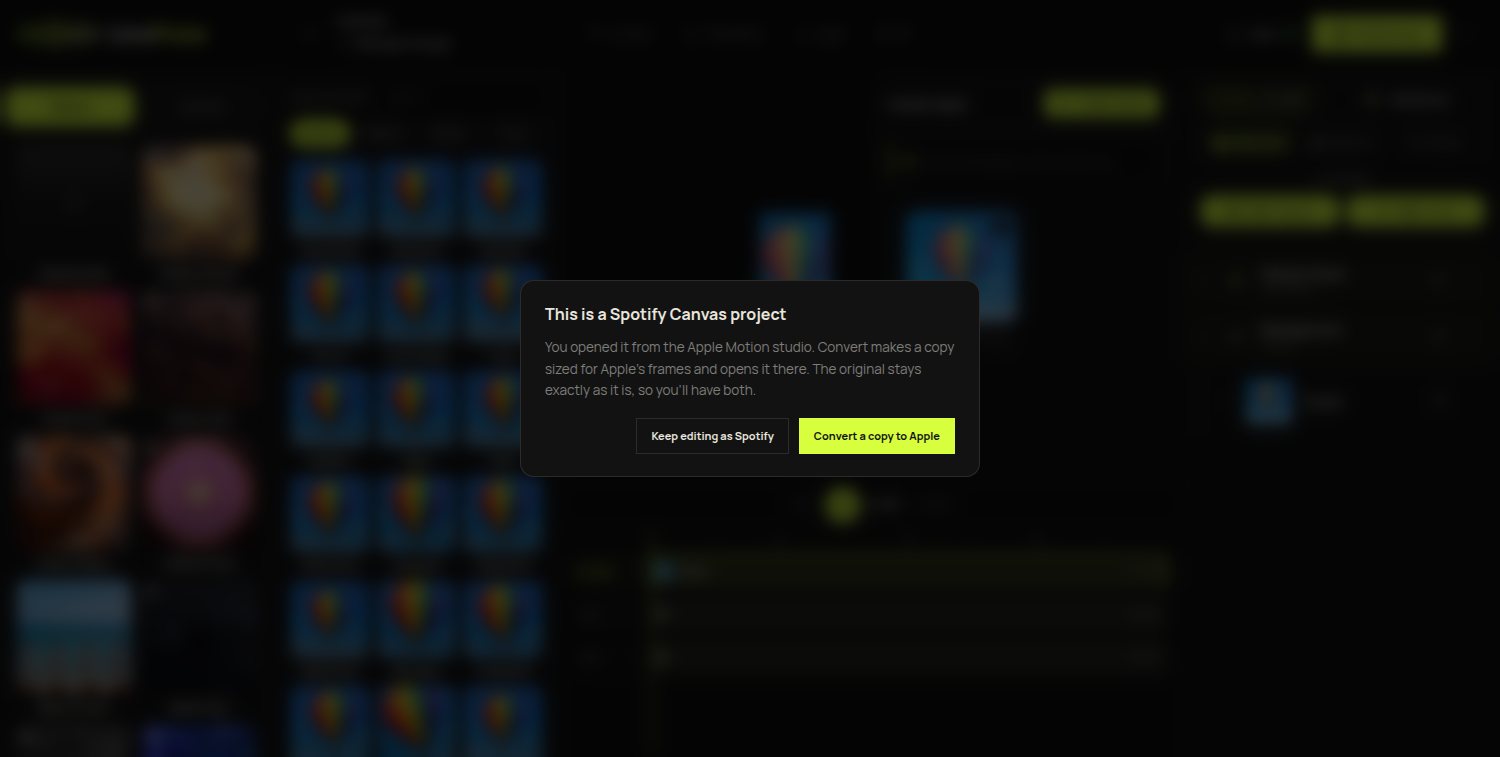
Open your Canvas project from Motion and LimePulse offers to convert a copy: everything is resized into Apple's frames, the original stays untouched, and you end up with both versions. One design, both platforms. Start with Motion free, and see the side-by-side comparison if you are deciding what to build first.