12 Spotify Canvas Ideas That Stop the Scroll
Twelve looping Canvas concepts you can build from a single album cover: parallax depth, liquid motion, text drops, VHS grit and more, with the exact effects to use.
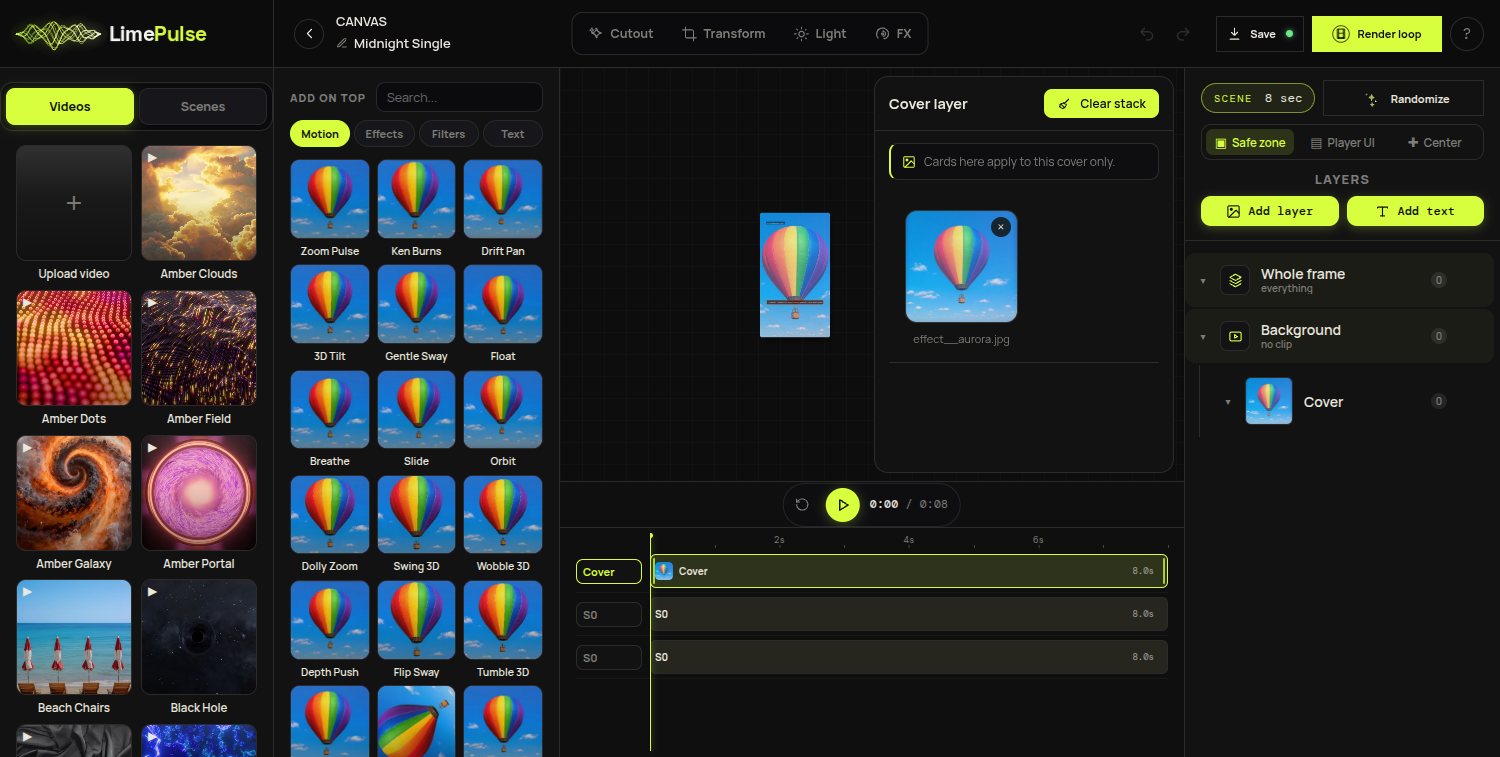
Every Canvas below starts from something you already have: the cover art. No footage, no motion design skills. Each idea names the cards to reach for in Canvas, the LimePulse loop builder for Spotify Canvas, so you can build any of them in a few minutes and preview them free.
Motion-led ideas
- 1. Breathing cover. One slow Zoom Pulse on the artwork, nothing else. The most underrated Canvas: calm, hypnotic, never annoying on loop fifty.
- 2. 3D depth drift. The 3D Depth parallax effect separates the subject from the background and drifts the camera. Feels filmed, comes from a still.
- 3. Ken Burns with a reveal. A diagonal pan across the art while a masked text animation drops the track title in the last two seconds.
- 4. Floating cutout. Background remover on the subject, a video backdrop behind it, and a gentle Float so the subject hovers over moving sky.
Texture and grit
- 5. VHS memory. The VHS filter plus a slow zoom reads instantly as nostalgia. Perfect for bedroom pop and lo-fi.
- 6. Liquid cover. Liquid Flow melts the artwork edges like wet paint. Strong for psychedelic and R&B palettes.
- 7. RGB ghost. The RGB Ghost split doubles the cover into offset color channels on the beat of the loop. Club tracks love it.
- 8. Film grain and dust. A grain effect over an otherwise still cover: the cheapest way to make digital art feel analog.
Type-led ideas
- 9. Lyric drop. One line of the hook in a big face, animated with a typewriter or slice reveal from the 140-card text set.
- 10. Title metronome. The track title pulsing quietly in a corner while the cover breathes. Reads as design, not decoration.
- 11. Poster wall. Duplicate the title a few times at different sizes, give each its own animation offset, and you get an instant type poster.
- 12. Countdown. For a pre-release Canvas: the release date in motion over a darkened cover. Swap it for the real Canvas on release day.
Whatever you pick, keep the loop honest
A Canvas plays behind the player UI at phone size, on repeat, for the whole listen. One clear idea beats five stacked ones, and the seam matters more than the spectacle: the Canvas editor keeps first and last frame identical by construction, so any of these ideas loops clean. Start with your cover and one card, and read the how-to guide for the full workflow.